
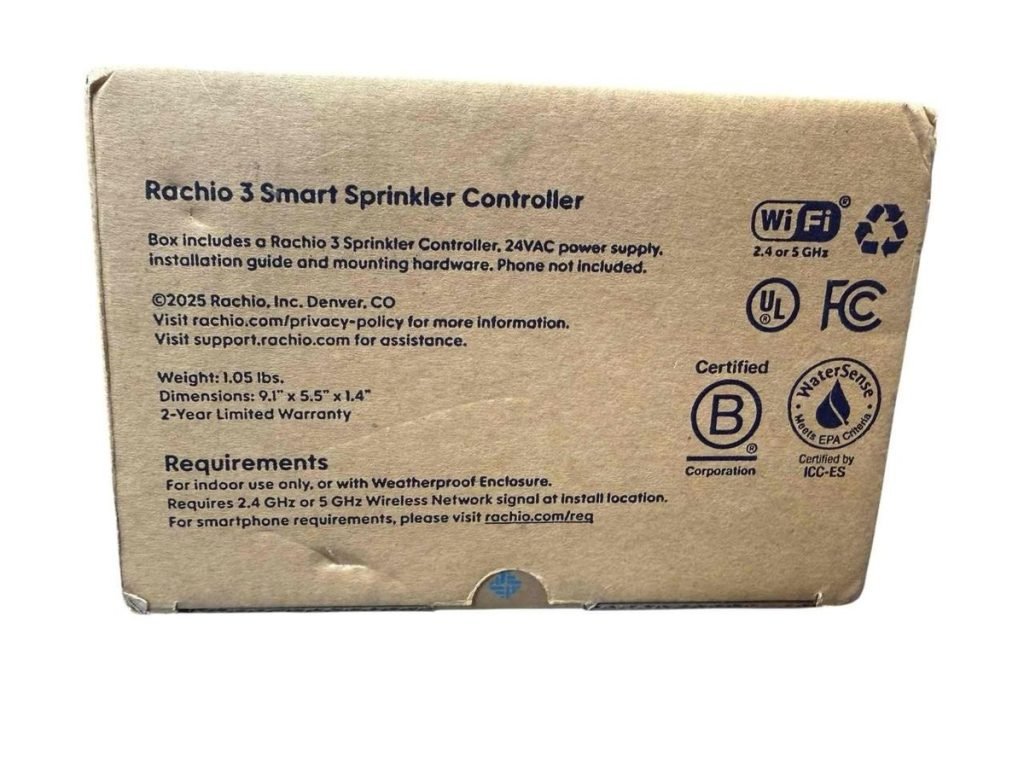
Programming the Rachio 3 controller optimally involves understanding its smart features and user-friendly interface. If you're ready to elevate your lawn care with precision, this guide can help you unlock the full potential of your Rachio 3. We'll explore practical tips to maximize efficiency, ensuring your irrigation system works seamlessly, conserving water while keeping your garden lush.
Understanding the Rachio 3 Controller
The Rachio 3 controller is a smart irrigation system designed to adapt to your lawn and weather conditions. This innovative device uses Wi-Fi to connect, allowing you to control your sprinkler system from anywhere via a smartphone app. Its intelligent features adjust watering schedules based on weather forecasts, ensuring optimal water usage.
Setting Up Your Rachio 3
-
Installation Process:
- Follow the user manual for proper installation of hardware components.
- Connect the controller to a Wi-Fi network using the guided steps in the app.
- Verify all zones and wires are accurately connected.
-
Configuring Zones:
- Open the app and add all connected zones, providing specific details (e.g., plant type, soil type, sun exposure).
- Customize each zone with recommendations provided by the app based on weather data.
Optimizing Schedule Settings
-
Flex Daily Schedules:
- Use Flex Daily schedules for the most dynamic irrigation, adjusting daily based on weather changes.
-
Rain Skip Feature:
- Enable the Rain Skip feature to automatically suspend watering when rain is forecasted, saving water.
-
Smart Cycle:
- Activate Smart Cycle to break watering into shorter durations, preventing runoff and promoting deep root growth.
Leveraging Advanced Features
-
Weather Intelligence Plus:
- Utilize Weather Intelligence Plus to make real-time adjustments based on current local weather data.
-
Customizable Notifications:
- Set up notifications for updates on watering activity and weather changes, providing peace of mind and control.
Personal Experience Tips
-
Test Before Full Implementation:
- Test the system in a single zone to ensure settings match your expectations before applying across all zones.
-
Weekly Reviews:
- Regularly review water usage reports within the app to monitor efficiency and make data-driven adjustments.
-
Community Engagement:
- Engage with online communities or forums to share experiences and solutions with fellow Rachio users for additional insights.
Troubleshooting Common Issues
-
Wi-Fi Connection Drops:
- Ensure your Wi-Fi signal is strong; consider positioning the Rachio closer to the router or using a Wi-Fi extender.
-
Valves Not Activating:
- Check electrical connections and test manually within the app to pinpoint any faulty connections.
-
App Issues:
- Update the Rachio app regularly to enjoy new features and bug fixes for seamless operation.
Frequently Asked Questions
How do I reset my Rachio 3 controller?
To reset, hold the Stop button until the status light goes off, then release. It will restart and go through its setup process again.
Can I manually water with the Rachio 3?
Yes, use the app to manually water any zone at any time by selecting the "Quick Run" feature.
Is there a way to view water usage reports?
Absolutely, the Rachio app provides detailed water usage reports available under the Home screen's Water Usage section.
How do I update Wi-Fi settings?
In the app settings, navigate to "Controller Settings" and tap “Update Wi-Fi” to change Wi-Fi networks or details.
What if the controller disconnects from Wi-Fi?
Restart your router and the Rachio controller. If issues persist, use the app's Wi-Fi troubleshooting guide.
Conclusion
Keeping your Rachio 3 controller running efficiently ensures a healthy lawn with minimal water waste. By mastering its features, you can enjoy the benefits of smart irrigation with minimal effort. Dive into your app settings today, explore all its capabilities, and contribute to environmental sustainability. Don't forget to subscribe to our newsletter for more insights and tips on smart home devices.
